Eliminate the Proposal Gap
In solar sales, momentum is everything. Every minute your rep spends manually typing a homeowner’s name and kWh usage into a proposal app is a minute the homeowner might change their mind.
- Manual Entry Errors: Mistyping an address or annual usage leads to inaccurate designs and rejected contracts.
- Double Entry: Your reps already entered the data in SPOTIO—making them re-enter it in SOLO kills productivity.
- Slow Handoffs: If you can’t cut territories fast, your team sits in the truck while competitors are signing contracts.
Automate the Handoff from Door to Proposal
SPOTIO is your easy-to-use canvassing solution for SOLO. Reps focus on conversations and closing—not fumbling with data entry on doorsteps.
- Advance Only Qualified Leads: Set custom triggers to push only your best opportunities to SOLO. Filter by stage, appointment type, or custom fields—your design team works on real deals, not tire-kickers.
- Generate Timely Proposals: When a rep marks a homeowner as qualified, their data appears in SOLO—complete with utility provider, annual usage, and contact details. No waiting for lead sheets. No chasing reps for missing information.
- Fewer Errors, Faster Closes: Clean data from SPOTIO means accurate proposals on the first try. No more re-running designs because a rep transposed kWh numbers or forgot the utility company. Your team closes deals while competitors are still correcting proposals.
How It Works: Connect in Just Minutes
You need Administrator rights for both platforms to set up the integration.
- Get Your Key: Log into SOLO → Company → Integrations → API Keys. Generate a new key for “SPOTIO” and copy it.
- Connect SPOTIO: Log into SPOTIO Web → Settings → Integrations → SOLO.
- Paste & Connect: Paste the API key, then map your fields—including Annual Usage and Utility Company.
- Set Your Trigger: Choose the single SPOTIO Stage that triggers the push (e.g., “Ready for Proposal”). Best practice: Select only one stage to avoid duplicate records.
- Go Live: Click “Save and Start.” Your reps keep working in SPOTIO, but qualified leads appear in SOLO ready for proposals.
Pro Tip for Mobile Users: To see storm data on the SPOTIO Mobile App, first create a Territory around the storm swath on the Web App. Once created and assigned, your reps will see the target area on their phones
Built for Solar Sales Teams
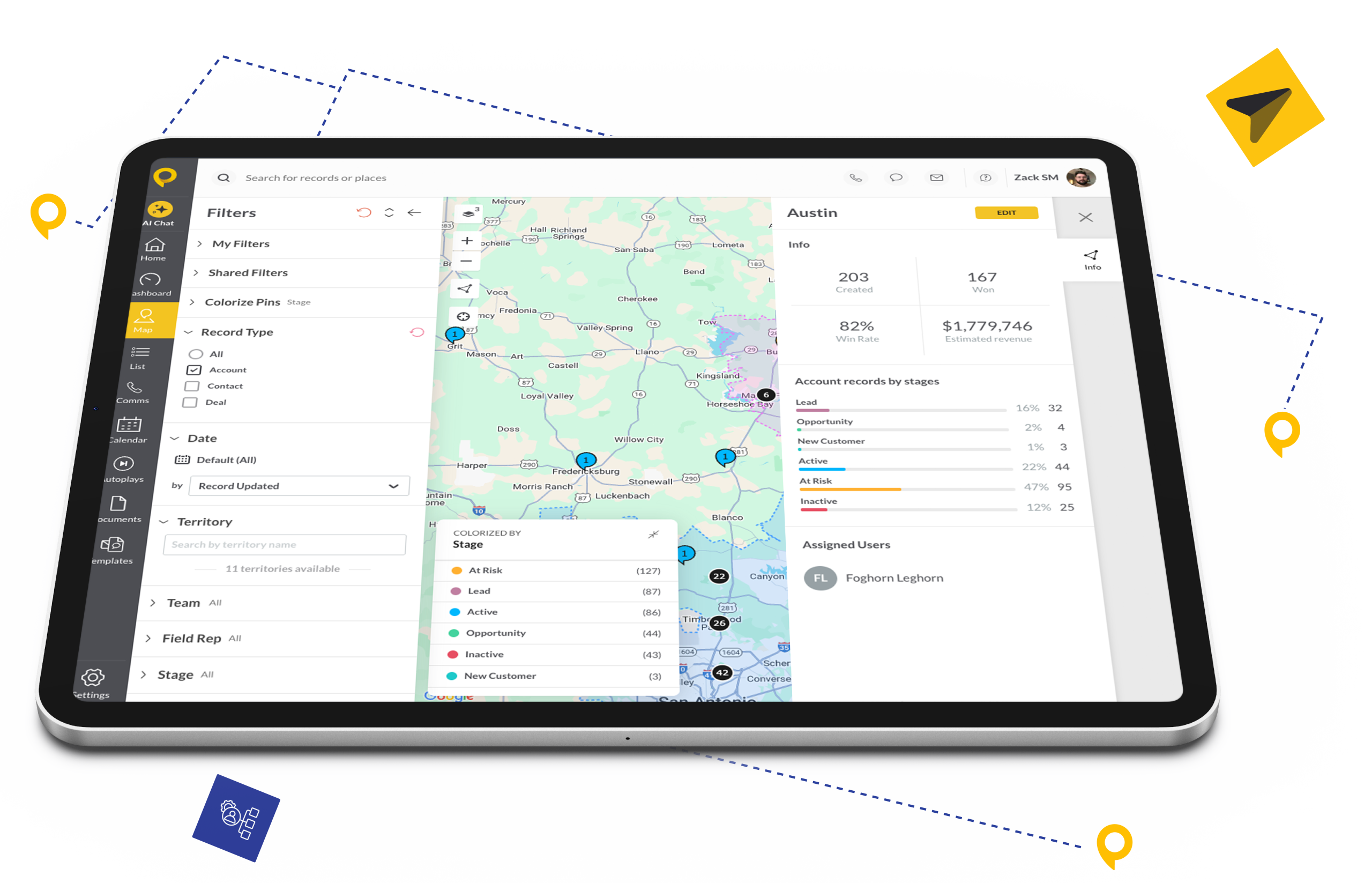
SPOTIO is the leading field sales engagement platform for solar companies—purpose-built to optimize the entire sales process from prospecting to closing. The SOLO integration eliminates the final friction point: turning qualified conversations into signed contracts.
SPOTIO’s territory management tools increase rep productivity by 46% on average by optimizing routes and maximizing selling time. The SOLO integration ensures that productivity doesn’t stop at the door—complete homeowner data pushes instantly for proposal generation.
SPOTIO captures every detail during canvassing, then automatically syncs qualified leads to SOLO with filters like “Two-Legger Confirmed”. Your closers show up with accurate proposals already generated—no missing data, no follow-up calls.
Traditional proposals take 2-5 days—enough time for homeowner enthusiasm to fade. The SPOTIO + SOLO integration delivers proposals in under 15 minutes by eliminating manual re-entry, helping you close deals in a single visit.
FAQs
Find answers to common questions about the SPOTIO integration with SOLO.
Yes. This is a native SPOTIO integration that connects directly to SOLO via API. No third-party middleware like Zapier required—setup takes minutes with just an API key.
When the sync triggers, the lead appears in SOLO as a “New Customer,” populated with all contact and utility information you mapped.
No. Address information syncs automatically. Focus on mapping the 7 required fields: Record Owner Email, First/Last Name, Email, Phone, Utility Company, and Annual Usage.
Yes. Beyond the required fields, you can map additional SPOTIO Lead Details to corresponding SOLO fields to ensure your proposal team has full context (e.g., “Gate Code” or “Roof Type”).