
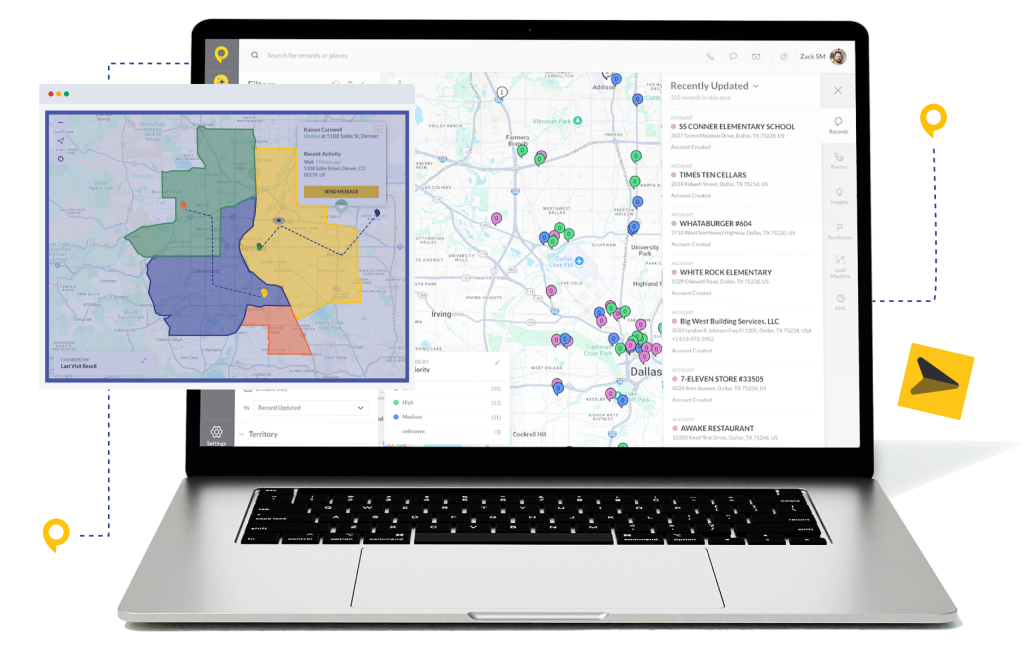
Trusted by Top-Performing Storm Restoration Teams






Eliminate the Street-to-Office Disconnect
In storm restoration, timing is everything. Responding within the first 48 hours drives 73% of annual revenue for restoration contractors. If you’re toggling between weather software and canvassing software, you’re already losing.
- Juggling Multiple Tools: Manually matching storm maps to street maps is slow and inaccurate.
- Wasted Knocks: Without precise data, your team wastes hours knocking doors with zero damage.
- Delayed Delpoyment: If you can’t cut territories fast, your team sits in the truck while competitors are signing contracts.
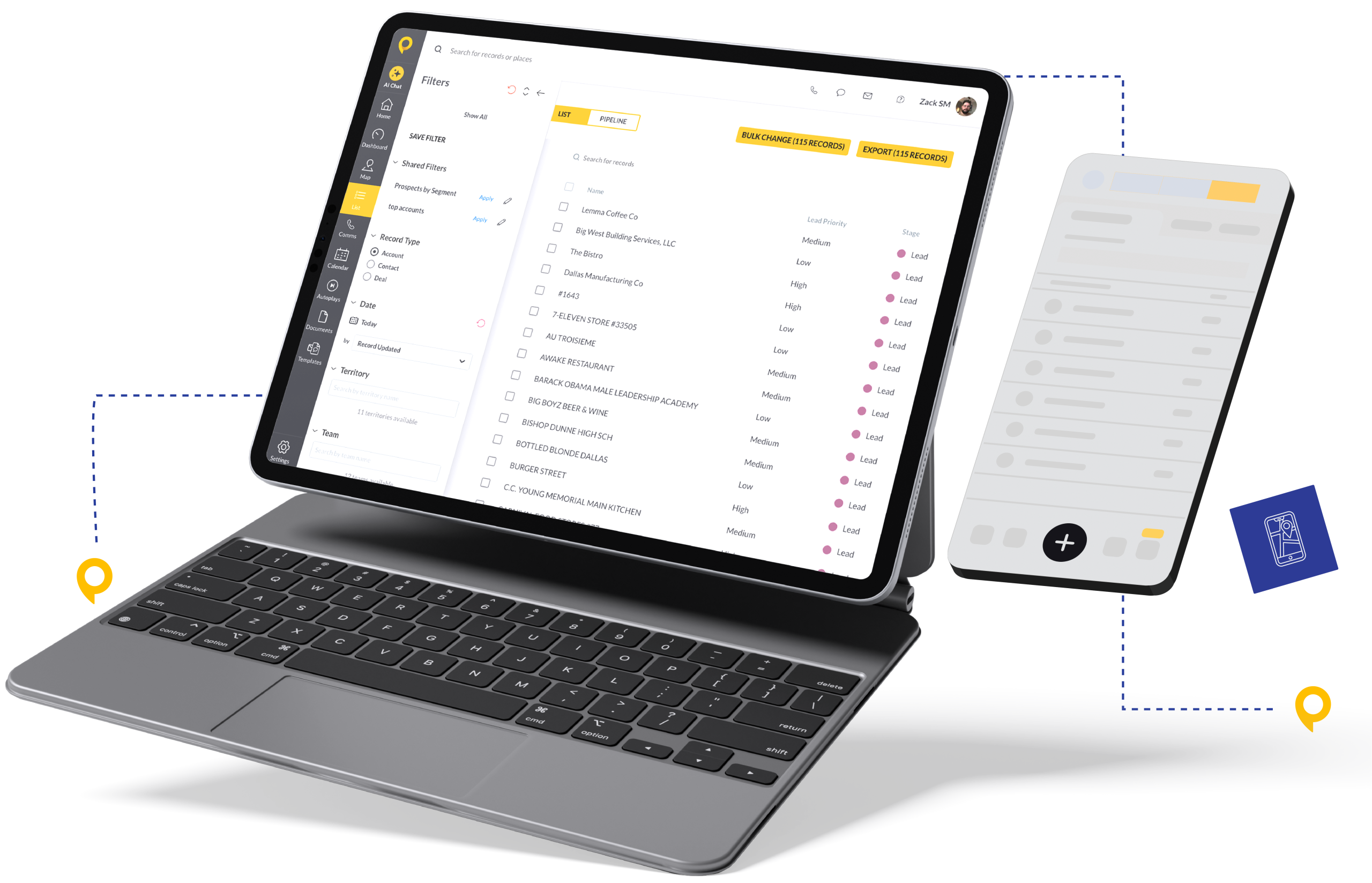
Get Your War Room on One Screen
The native HailTrace integration brings industry-leading storm data directly inside SPOTIO. No toggling. No guesswork. Just speed.
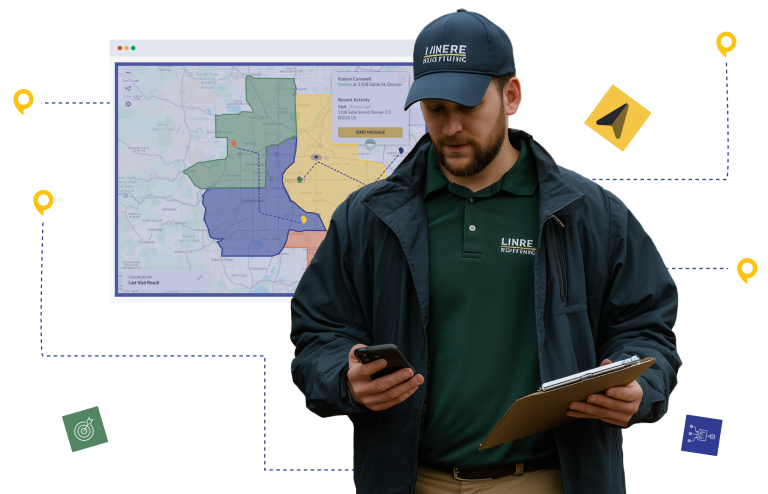
- Visual Storm Overlays: Toggle the HailTrace layer to see exact storm swaths overlaid on your SPOTIO map. Filter by severity—hail size, wind speed, date of loss.
- Precision Targeting: Identify the “Purple Zones” (high severity) and send your closers there first. Teams using real-time storm data reach high-intent neighborhoods 24-48 hours faster than competitors.
- Instant Territory Creation: Draw a territory around a storm swath instantly using SPOTIO boundary tools. Assign to your squad—they get a notification on their phone and start knocking immediately.
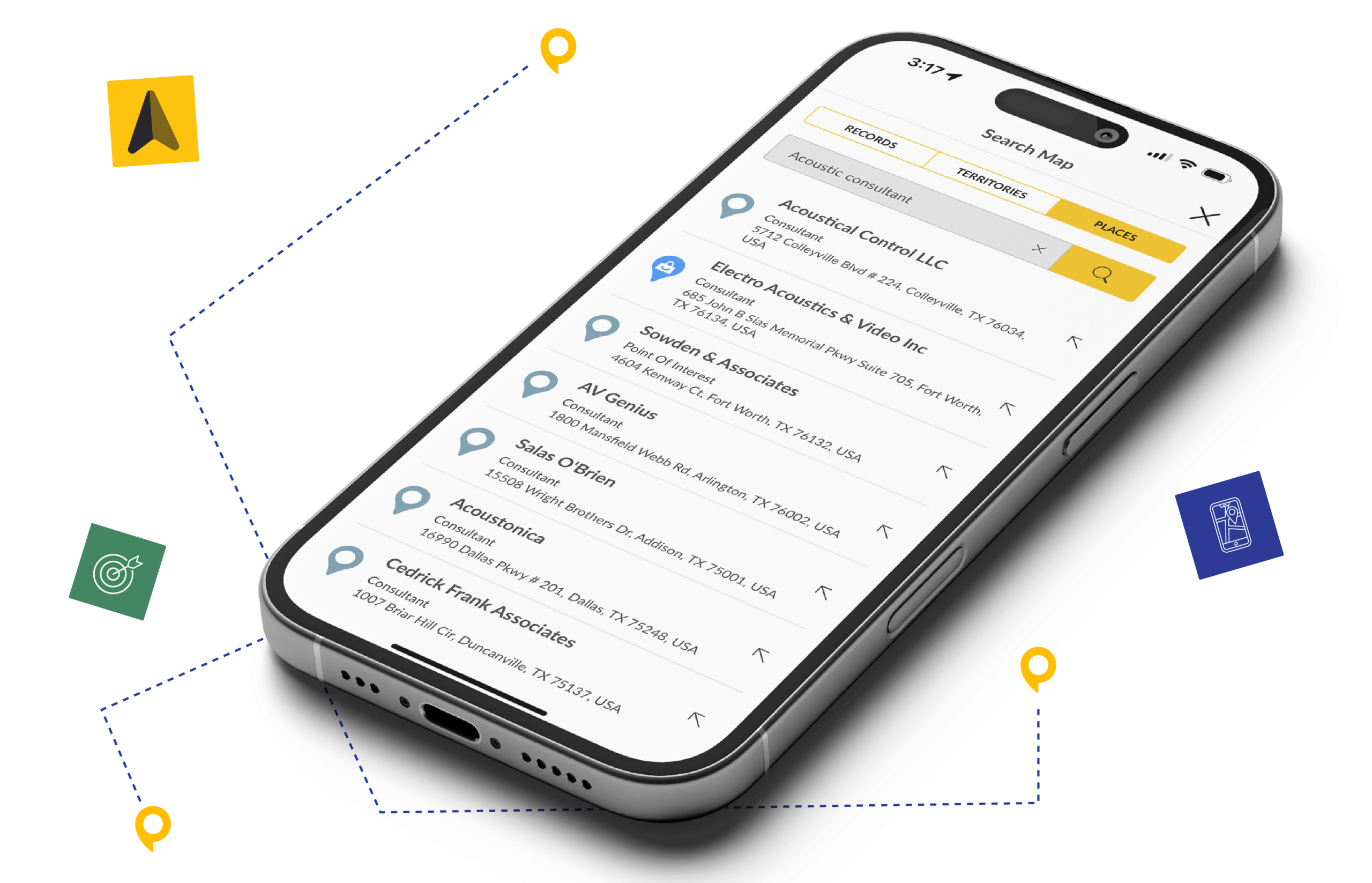
How it Works: Connect in Seconds
This is a native integration—no coding required.
- Get Your Key: Log into HailTrace Web → Settings → API Keys. Create a new key and select “SPOTIO.”
- Connect SPOTIO: Log into SPOTIO Web → Settings → Integrations → HailTrace.
- Paste & Connect: Enter your API key and click “Connect.”
- Visualize: Click the HailTrace icon on your Map Toolbar to start overlaying storms.
Pro Tip for Mobile Users: To see storm data on the SPOTIO Mobile App, first create a Territory around the storm swath on the Web App. Once created and assigned, your reps will see the target area on their phones
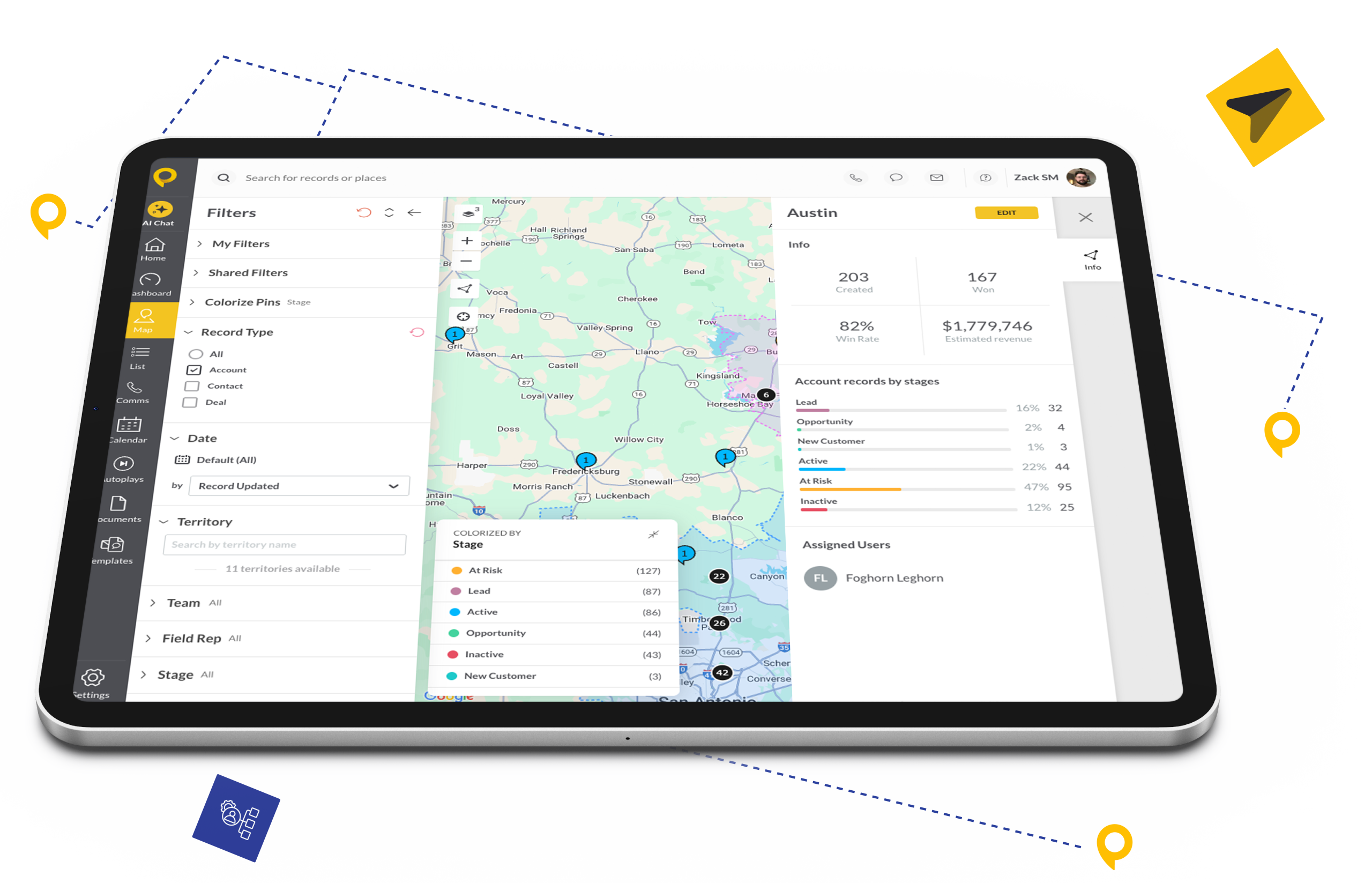
Built for the First 48 Hours
Storm restoration is a sprint, not a marathon. SPOTIO was built to turn HailTrace severity data into deployed canvassing teams—before your competitors finish planning.
See exactly where 2-inch hail hit versus pebble damage. Route crews to Purple Zones first—the neighborhoods most likely to file claims and approve work.
Draw territories around high-severity swaths in seconds, not hours. Assign teams instantly—they get mobile notifications with exact boundaries and start knocking while competitors are still analyzing weather maps.
When HailTrace updates severity data or adds new storm events, toggle the layer to see fresh intelligence immediately. Stay ahead of the damage curve and redeploy teams mid-storm season.
Customer Success Stories

FAQs
Find answers to common questions about the SPOTIO integration with HailTrace.
You can visualize any storms you’ve currently purchased or have access to within your HailTrace subscription.
Admins and Managers with “Territory Management” permissions can toggle storm layers and create territories around them.
Yes. The integration pulls detailed metadata including location, date, severity, wind speed, hail size, and rainfall.
The raw storm swath overlay is a web-based planning tool for managers. To get this data to your reps’ phones, draw a Territory around the swath on the web. That territory immediately syncs to their mobile devices so they know where to knock.