



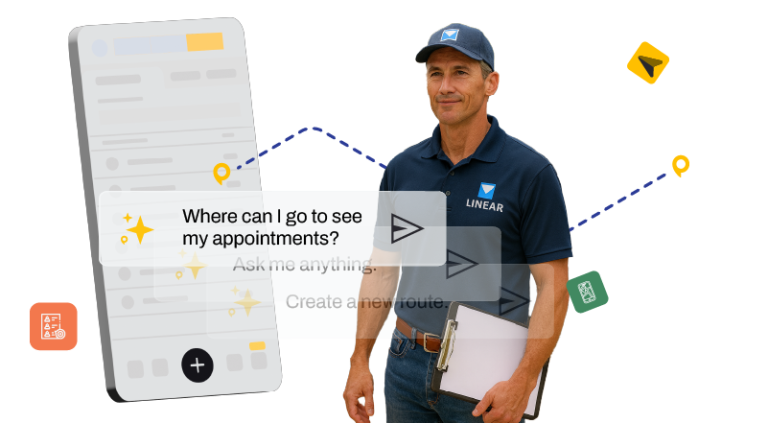
Mobile App
Boost sales productivity in the field
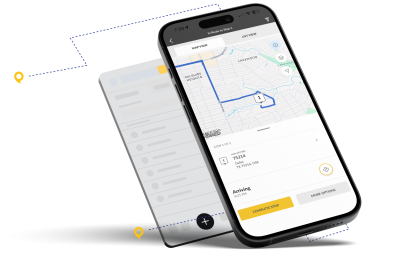
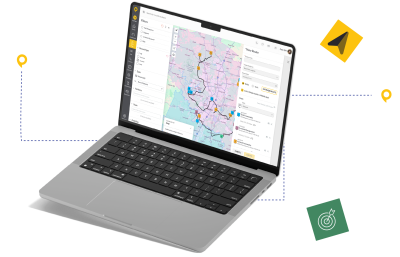
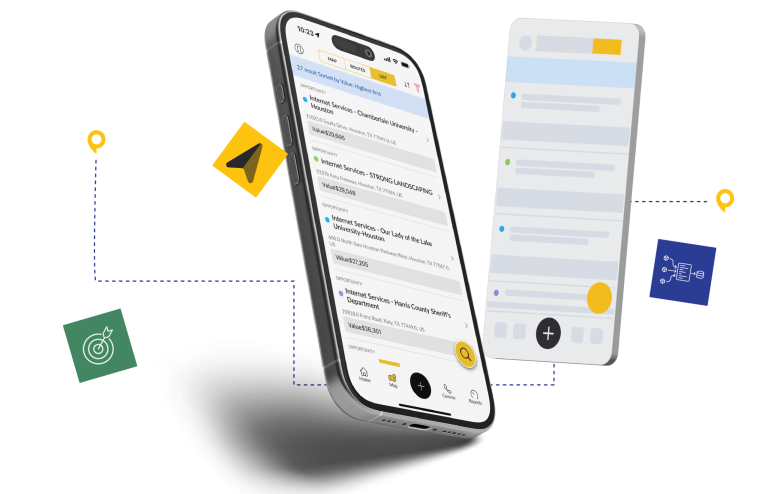
Use a central hub for leads, routes, and activity capture – built for field reps.

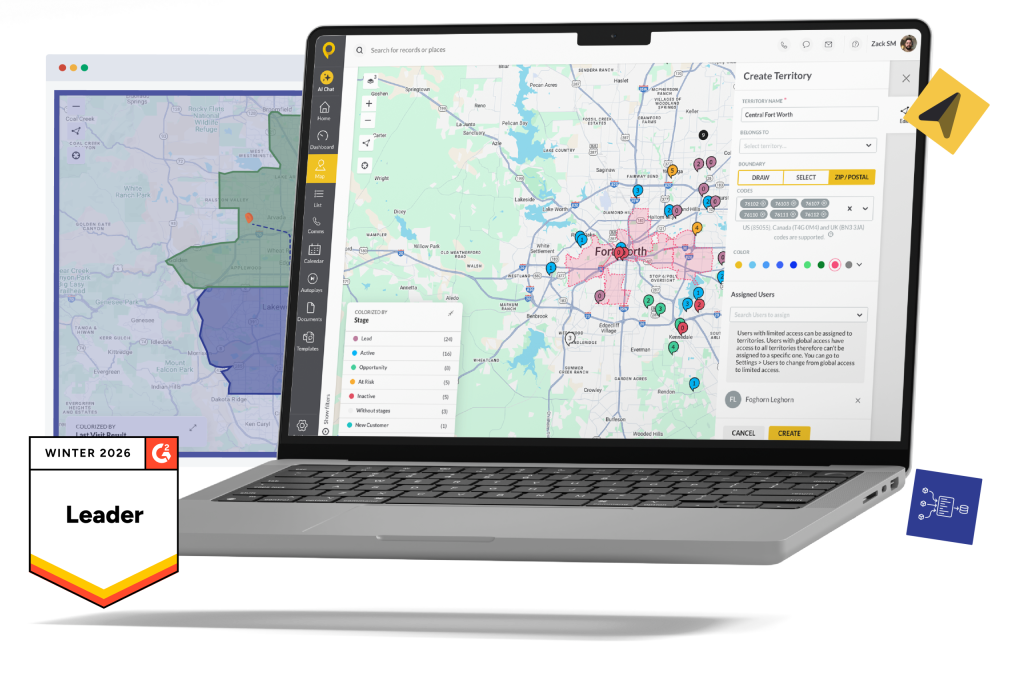












This page is built to help growing field teams quickly see where SPOTIO fits versus other tools—without digging through a dozen tabs or vendor sites.

Quickly compare SPOTIO and other solutions side-by-side across every feature that matters to field sales teams.
| Feature Category |

|

|

|

|

|

|
|---|---|---|---|---|---|---|
| Platform Purpose | Complete field sales execution platform for B2B and B2C teams with customer, territory, and pipeline management | Route optimization and mapping tool for outside sales reps | Mapping and activity tracking tool for B2B field teams | AI-assisted field sales app for B2B teams, focused on voice-to-CRM capture and pre-visit preparation | Mapping and territory management tightly integrated with Salesforce CRM | Canvassing platform focused on door-to-door, gamification, and lead tracking |
| Ideal Team Size & Use Case | Growing B2B and B2C sales teams with 5–500+ field reps that want one system to manage territories, activities, and pipeline | Smaller B2B field teams that mainly need better routes and maps | B2B teams wanting simple mapping layered on top of existing CRM workflows | B2B field teams that want AI to handle visit prep and post‑visit data entry (no team-size guidance published) | Salesforce-centric organizations needing maps and territories inside Salesforce | Smaller D2D and residential teams focused on canvassing and basic follow-up |
| Route Planning & Optimization | Optimizes routes up to 150 stops with schedule integration and handoff to Google Maps / Waze | Advanced algorithm-based routing with real-time traffic optimization | Basic route planning with location-based optimization | Compass plans multi‑stop routes that adapt to business hours, calendars, and traffic via Google Maps, Waze, or Apple Maps | Route planning from Salesforce records with moderate optimization | Basic route planning with turn‑by‑turn directions and lead prioritization |
| Territory Management | Enterprise territory management with layers, KML support, performance analytics, and assignment tools | Basic territory assignment and management | Color‑coded territories and basic assignment | Atlas shifts territory focus by win rates and pipeline velocity; limited enterprise-grade controls documented | Advanced rules-based territory design and management inside Salesforce | Custom territory mapping with assignment and basic optimization |
| Lead Management & Prospecting | Robust lead management plus Lead Machine with filters, demographics, and revenue estimates for prospecting | Visualizes existing leads/accounts on a map; limited prospecting tools | Lead and account mapping with basic views and filters | Atlas database of 30M+ mapped and scored B2B businesses; B2C/residential prospecting not documented | Uses Salesforce lead and opportunity data; no standalone prospecting engine | Lead tracking for canvassing; limited B2B-style prospecting features |
| Activity Logging & Field Tracking | One‑tap, GPS‑verified logging with automated CRM sync and comprehensive visit history | Check‑ins with notes and photos; largely manual data entry | Map-based check‑ins and activity logging with quick actions | Pulse captures visits by voice note or photo and parses them into CRM fields; no GPS‑verified logging | Manual activity logging tied to Salesforce records | Basic activity logging with limited location verification |
| Mobile App & Offline Use | Mobile‑first iOS/Android apps with Download My Day offline mode for full-day use | Mobile apps with reports of performance issues; limited offline caching | Mobile apps focused on mapping and check‑ins; limited offline depth | Mobile app with offline capture; scope and duration not publicly documented | Mobile access available but primarily desktop/browser‑oriented | Mobile app for canvassing with basic offline support |
| Pipeline & Deal Management | Full pipeline management with custom stages, Kanban views, and drag‑and‑drop updates | No native pipeline management; relies on external CRM | Basic pipeline tracking with CRM sync | No standalone pipeline module; handled through the connected CRM (Salesforce, HubSpot, or Leadbeam CRM) | Pipeline managed within Salesforce CRM, not Maps itself | Simple pipeline and lead stages for canvassing workflows |
| Communication Tools | Built‑in calling, texting, and email with templates and sequences | Relies on external phone/email tools; no full multi‑channel suite | Basic email; no integrated calling or texting | No built‑in calling, texting, or email documented; relies on the connected CRM/external tools | Uses Salesforce communication tools; no dedicated Maps comms layer | In‑app notes and basic contact attempts; limited multi‑channel support |
| Follow-up & Task Automation | AutoPlays and guided sequences for structured multi‑touch follow‑up and reminders | No automated follow‑up sequences; manual task handling | Limited automation (e.g., route creation and alerts) | AI drafts follow‑up emails and creates tasks after visits; no multi‑channel sequencing documented | Tasks and reminders handled through Salesforce workflows | Basic reminders and follow‑ups without sequencing |
| Reporting & Coaching Analytics | My Reports with 200+ filters, real‑time dashboards, and coaching insights | Basic weekly reports and limited analytics | Scorecards and simple team leaderboards | Manager dashboards available; detailed coaching analytics not documented | Einstein‑powered dashboards and analytics in Salesforce | Gamification dashboards and leaderboards for canvassing |
| AI Capabilities | SPOTIO AI assistant for on‑demand sales guidance and workflow support | No AI assistant or sales intelligence | No AI features | Beamly briefs reps before visits from CRM and web data; Pulse turns voice notes and photos into CRM records | Salesforce AI (Einstein) for scoring, forecasting, and generative insights | DataGrid AI for homeowner scoring and propensity models |
| CRM & Integrations | Native integrations with Salesforce, Acculynx, and others plus API and iPaaS options | Integrations available; some require extra cost and minimum licenses | Integrates with common CRMs; focused on mapping over deep CRM logic | Integrates with Salesforce and HubSpot; offers a proprietary Leadbeam CRM for teams without one | Requires Salesforce; Maps is an add‑on inside the Salesforce stack | CRM and tool integrations primarily around canvassing workflows |
| Enterprise Readiness | SOC 2 Type II, SSO, role‑based permissions, 99.9% uptime, GDPR compliant, built for multi‑region teams | Limits on records and features unless larger plans and license minimums | Best suited to small and mid‑size B2B field teams | Security certifications, SSO, and uptime commitments not publicly documented | Enterprise‑grade when paired with Salesforce admin resources | Scales for canvassing; focus on gamification and integrations |
✓ Ratings and features based on public documentation, G2 reviews, and SPOTIO accuracy standards
Use this section to jump straight to a head‑to‑head comparison between SPOTIO and the alternatives you’re evaluating today. Pick a vendor logo to see how SPOTIO stacks up on features and results for your field sales team.
Your CRM stores the data, but SPOTIO powers the field activity that grows it—giving reps more than standalone mapping, canvassing, or retail execution tools ever can. Instead of stopping at routes, check-ins, or store audits, SPOTIO adds stronger territory management, clearer rep visibility, and guided follow-up sequences that consistently move deals forward.
SPOTIO connects to your existing CRM and tools, so your field data automatically flows where it needs to go. No rip-and-replace, no training headaches—just better data in the systems you’re already using.







If you want to know how your salespeople are doing, there’s not a better tool on the market. I truly believe that.
Read Full Testimonial
Use this hub to narrow your shortlist and align your team. Start with the overview table to see which tools fit your team size and use case, then click into the detailed comparison pages for a closer look at workflows, integrations, and support.
These comparisons focus on the most common alternatives SPOTIO replaces. If your current tool isn’t shown, you can still use the table as a checklist of what a modern field sales platform should include, then talk with our team about how SPOTIO would stack up against your specific setup.
You can use SPOTIO as a basic CRM if you don’t already have one. But typically, SPOTIO integrates with your existing CRM to power what happens in the field—routes, visits, and activities as your “system of action”. Your CRM remains your “system of record.” Reps get a purpose-built field workspace and ops/leadership keep reporting and governance in the tools they already trust.
SPOTIO is best suited for growing field teams with 5 or more reps. Smaller teams may be able to manage with lighter-weight tools, but as soon as you need consistent territory coverage, standardized activity tracking, and real reporting, SPOTIO becomes a meaningful upgrade.
SPOTIO offers practical features that solve real-world sales challenges—like advanced route planning (including pre-planned routes), call recording for training, automatic merging of duplicates for clean data, customizable mobile app layouts, flexible user roles, and custom naming for workflows. These thoughtful features help sales teams overcome common bottlenecks and accelerate results.