

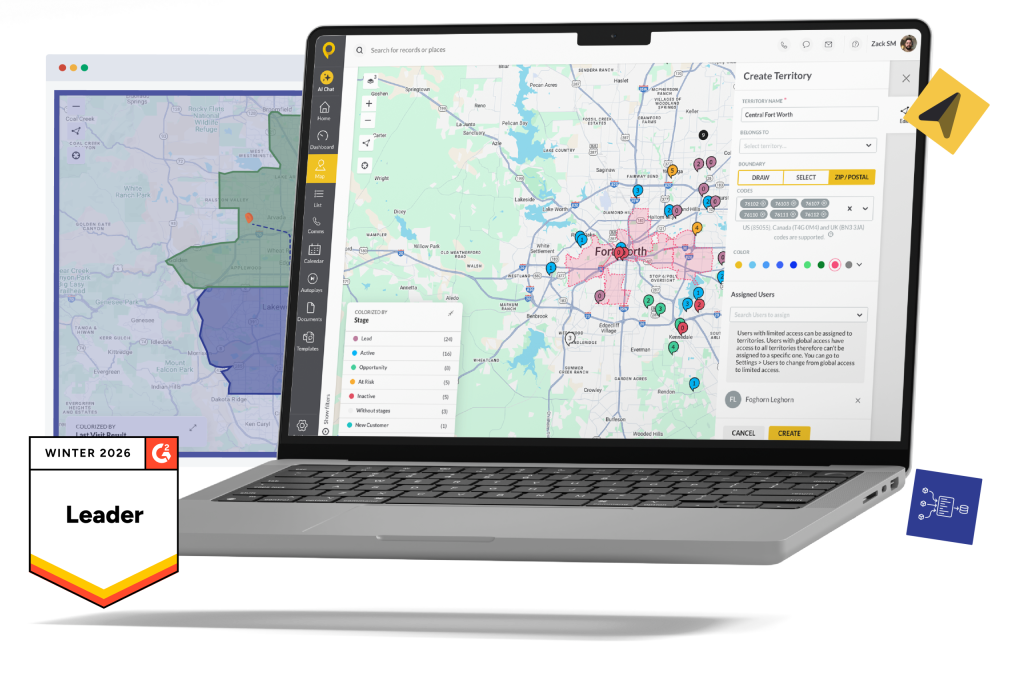
Trusted by Top-Performing Field Sales Teams












Territory Problems Cost More Than You Think
Most field sales managers don’t discover their territory design is broken until it’s already hurt them. The problem isn’t rep effort — it’s structure.
When territories live in spreadsheets or an office-bound CRM, you lose visibility into:
- Overlap: two reps working the same accounts, creating friction and wasted windshield time
- Gaps: whole ZIP codes or neighborhoods no one owns, going untouched for an entire quarter
- Accountability: no way to prove where reps are spending their time or why a territory is underperforming
SPOTIO fixes this at the source — a visual territory management layer built directly into the field CRM your reps already use every day.

How It Works: Design, Assign, Optimize
Step 1: Design Your territories
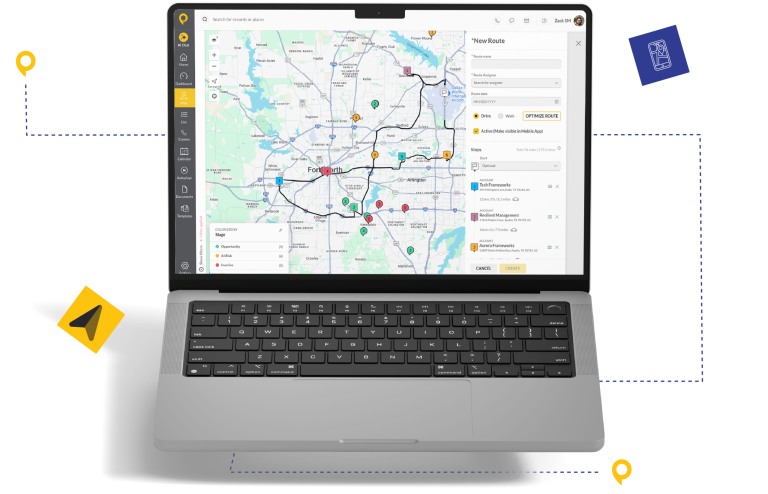
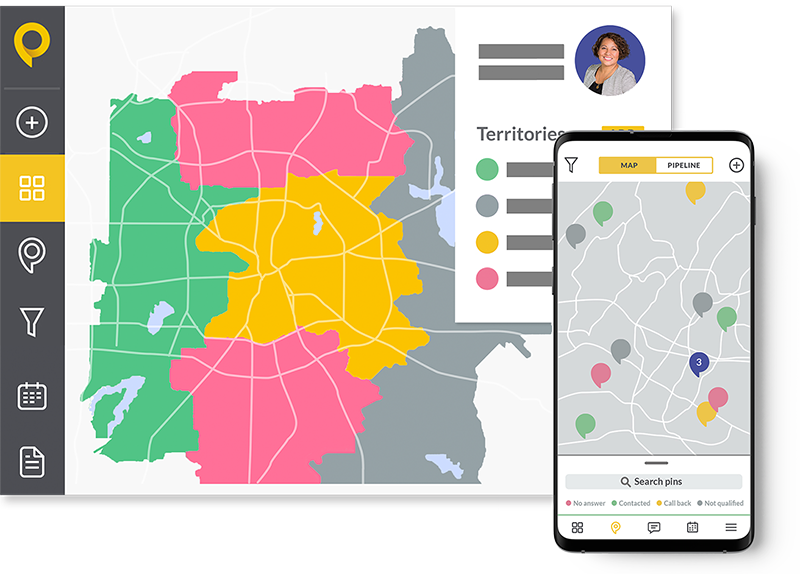
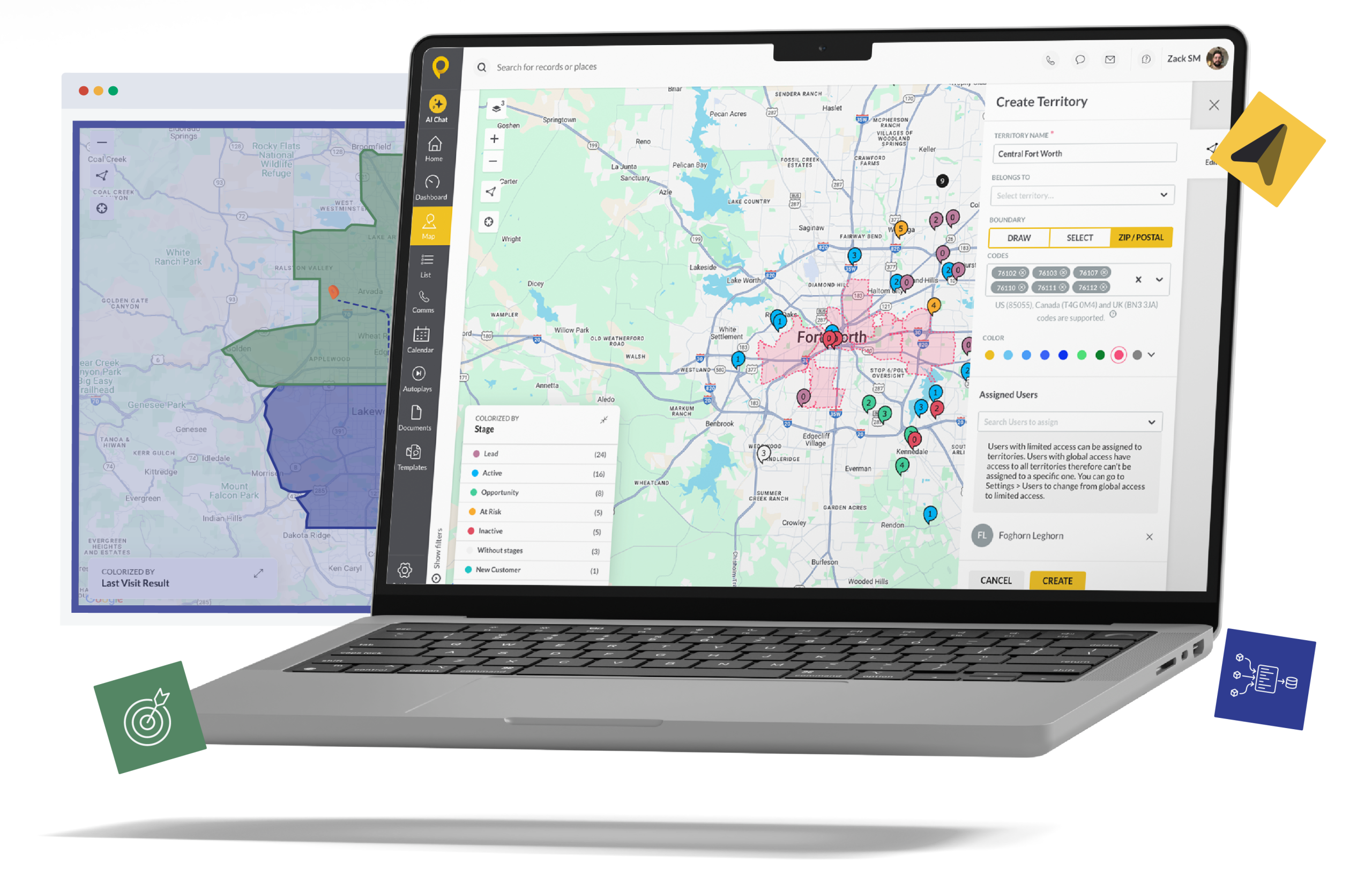
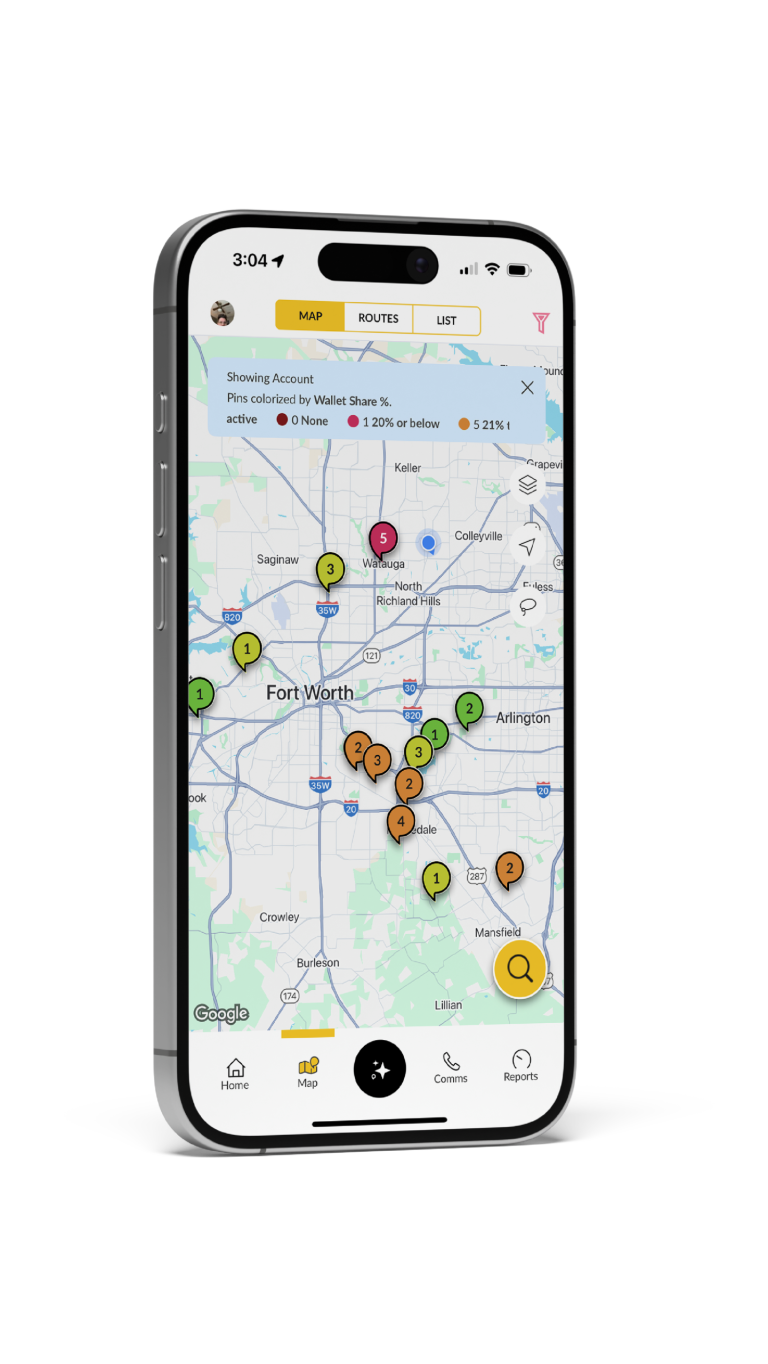
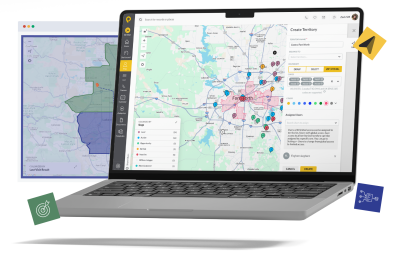
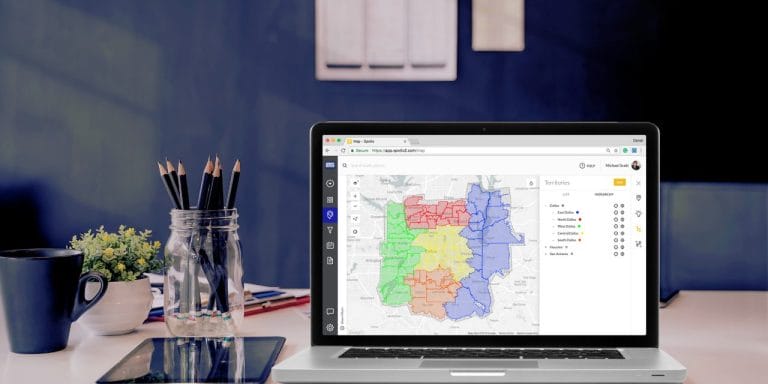
Draw your boundaries the way your business actually runs — by ZIP code, county, city, or hand-drawn shape on a live map. SPOTIO’s Custom Territory Design tools let you build territories that match your go-to-market strategy to the real world, not the other way around.
Add filtering by demographic, account type, or geographic boundary to build territories with built-in potential. Layer in your existing prospect and customer data so every new boundary already has pipeline baked in. No more territory planning by spreadsheet — design with spatial clarity so you can catch territory gaps and overlap before they cost you coverage.

Step 2: Assign To Your Team
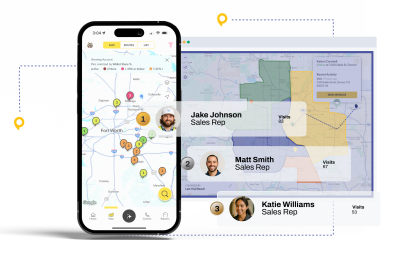
Once boundaries are set, assign territories to individual reps or teams in a few taps. Managers get a real-time view of who owns what — and can reassign on the fly when headcount changes, market conditions shift, or a rep moves on.
SPOTIO’s territory assignment tools connect directly to rep-level activity data, so you can see who’s working their ground and who isn’t. That visibility changes everything when it’s time for a territory realignment conversation.
Step 3: Optimize Based on Performance
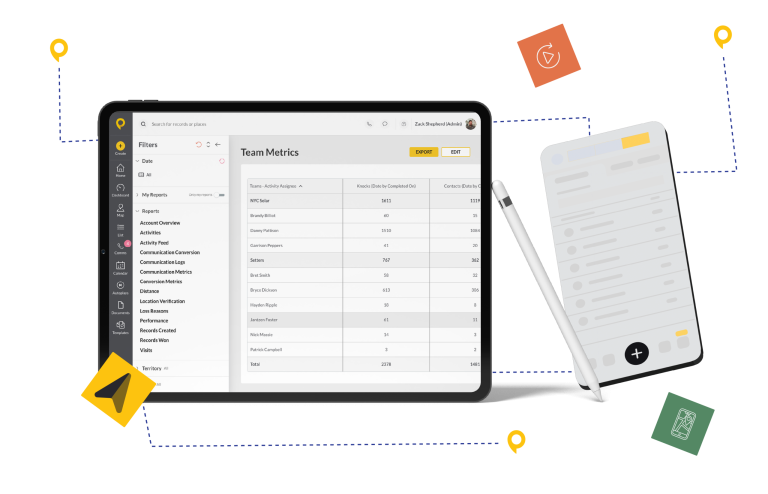
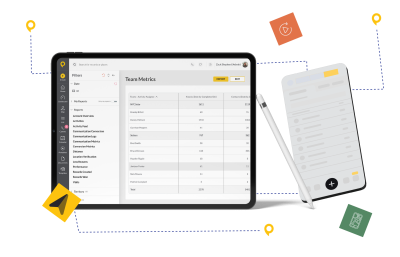
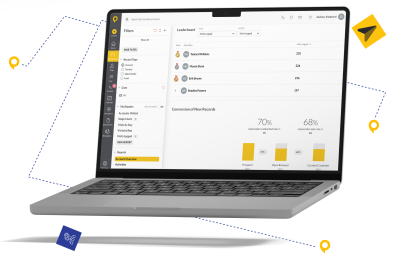
Territory optimization isn’t a once-a-year exercise — it’s an ongoing process. SPOTIO surfaces activity data by territory so you can spot underperforming zones, reallocate resources, and match your highest-potential areas with your highest-performing reps.
Our 2026 field sales data found that elite-performing teams are significantly more likely to use digital territory tools than their struggling counterparts (83% vs. 57%). Static maps and spreadsheets don’t tell you which territories are cooling off in real time. SPOTIO does.
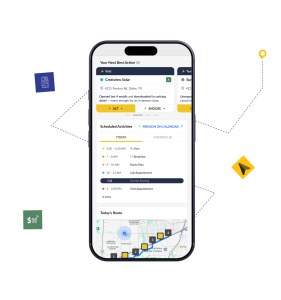
With Next Best Action, SPOTIO goes further — assigning a predictive Value Score to every account using 42+ signals, then recommending which accounts in each territory a rep should prioritize next.
Territory Management & Mapping
Built for the Field
Great territory management software does more than draw lines on a map. Here’s what SPOTIO delivers for field sales teams specifically:
Custom Territory Design
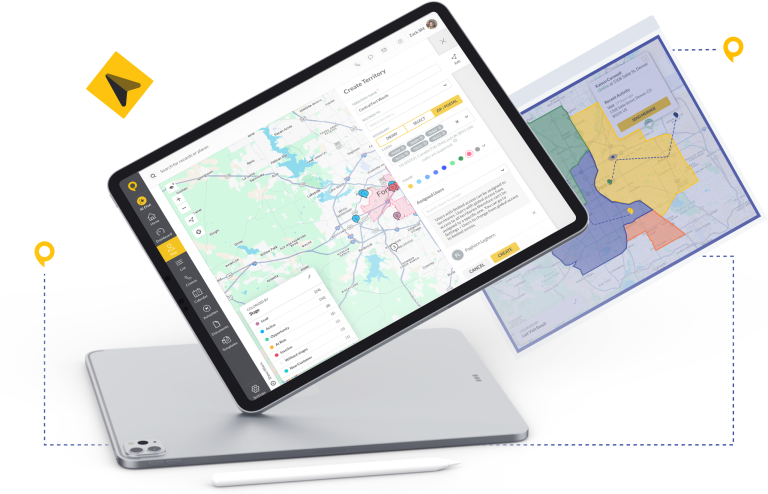
Build territories by ZIP code, county, city, or any hand-drawn boundary that fits your market. SPOTIO lets you layer in existing prospect and customer data so your territories start with real pipeline — not blank space. Adjust boundaries based on population density, account type, or rep capacity to create balanced workloads from day one. Territory overlap is flagged visually, so you can resolve conflicts before they hit the field.
Are Your Territories Underperforming?
Not every underperforming territory has a rep problem. Sometimes the issue is structural — wrong boundaries, wrong rep-territory fit, or coverage gaps you can’t see without the right tools.
SPOTIO gives managers the data to answer the right questions:
High activity with low conversion usually means reps are working the wrong accounts — either the territory’s customer profile doesn’t match your ICP, or the rep needs coaching on deal qualification.
Deals don’t close themselves. If pipeline is sitting without movement, you’ve either got a coverage gap, a capacity problem, or accounts that have quietly gone cold without anyone noticing.
When two reps work the same accounts, you’re not getting double the coverage — you’re getting duplicated effort, confused prospects, and rep conflict that erodes team trust fast.
A territory with no visits in 30 days isn’t being managed — it’s being ignored. These are the gaps where your competition is showing up and you aren’t.
Why SPOTIO vs. Other Territory Management Tools
Most territory mapping tools were built for inside sales teams, desktop users, or enterprise software buyers. SPOTIO was built for field sales — the rep who’s in their car at 7am, on a doorstep by 7:15, and needs their next prospect address before they finish their coffee.
| Feature |

|
CRM Mobile App e.g. Salesforce, HubSpot |
Consumer Map + Spreadsheet e.g. Google Maps + Excel |
|---|---|---|---|
| Built for field execution | ✓ Purpose-built mobile CRM for field workflows | ✗ Built for pipeline management — field execution is an afterthought | ✗ No sales context; designed for navigation, not territory execution |
| Territory governance | ✓ Role-based permissions, centrally managed assignments, overlap flagging | △ Basic territory objects — weak governance, no visual design tools | ✗ Spreadsheet-only — manual, error-prone, invisible to leadership |
| Location-verified activity | ✓ GPS-confirmed on every visit — coverage data is trusted, not self-reported | ✗ Self-reported; reps log activity manually, often hours after the visit | ✗ No activity tracking whatsoever |
| Route optimization | ✓ Built in — up to 150 stops, hands off to Google Maps / Waze | ✗ Not included — separate tool required | △ Navigation only — no account prioritization or territory awareness |
| CRM sync | ✓ Real-time, bidirectional sync with Salesforce, HubSpot, Dynamics, Zoho | ✓ Native (same platform) — but reps avoid logging due to clunky UX | ✗ Manual end-of-day entry — delayed, incomplete, unreliable |
| Offline access | ✓ Download My Day — full territory, route, and account data for up to 24 hours offline | ✗ Cloud-dependent — limited or no offline functionality | △ Google Maps has offline maps; no account data available |
| AI co-pilot for field workflows | ✓ DASH AI — field-specific, territory-aware, requires human confirmation on all actions | △ Generic AI (Einstein, Copilot) — not built for field territory workflows | ✗ None |
Built for field execution
|
✓ Purpose-built mobile CRM for field workflows |
| CRM Mobile Appe.g. Salesforce, HubSpot | ✗ Built for pipeline management — field execution is an afterthought |
| Map + Sheete.g. Google Maps + Excel | ✗ No sales context; designed for navigation, not territory execution |
Territory governance
|
✓ Role-based permissions, centrally managed assignments, overlap flagging |
| CRM Mobile Appe.g. Salesforce, HubSpot | △ Basic territory objects — weak governance, no visual design tools |
| Map + Sheete.g. Google Maps + Excel | ✗ Spreadsheet-only — manual, error-prone, invisible to leadership |
Location-verified activity
|
✓ GPS-confirmed on every visit — coverage data is trusted, not self-reported |
| CRM Mobile Appe.g. Salesforce, HubSpot | ✗ Self-reported; reps log activity manually, often hours after the visit |
| Map + Sheete.g. Google Maps + Excel | ✗ No activity tracking whatsoever |
Route optimization
|
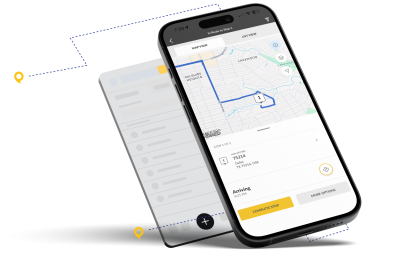
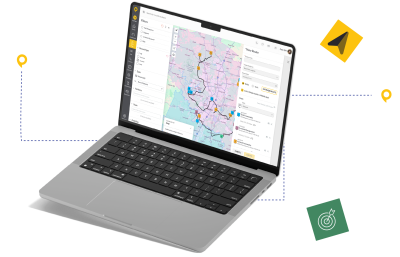
✓ Built in — up to 150 stops, hands off to Google Maps / Waze |
| CRM Mobile Appe.g. Salesforce, HubSpot | ✗ Not included — separate tool required |
| Map + Sheete.g. Google Maps + Excel | △ Navigation only — no account prioritization or territory awareness |
CRM sync
|
✓ Real-time, bidirectional sync with Salesforce, HubSpot, Dynamics, Zoho |
| CRM Mobile Appe.g. Salesforce, HubSpot | ✓ Native (same platform) — but reps avoid logging due to clunky UX |
| Map + Sheete.g. Google Maps + Excel | ✗ Manual end-of-day entry — delayed, incomplete, unreliable |
Offline access
|
✓ Download My Day — full territory, route, and account data for up to 24 hours offline |
| CRM Mobile Appe.g. Salesforce, HubSpot | ✗ Cloud-dependent — limited or no offline functionality |
| Map + Sheete.g. Google Maps + Excel | △ Google Maps has offline maps; no account data available |
AI co-pilot for field workflows
|
✓ DASH AI — field-specific, territory-aware, requires human confirmation on all actions |
| CRM Mobile Appe.g. Salesforce, HubSpot | △ Generic AI (Einstein, Copilot) — not built for field territory workflows |
| Map + Sheete.g. Google Maps + Excel | ✗ None |

Sync Sales Data
Across Your Tech Stack
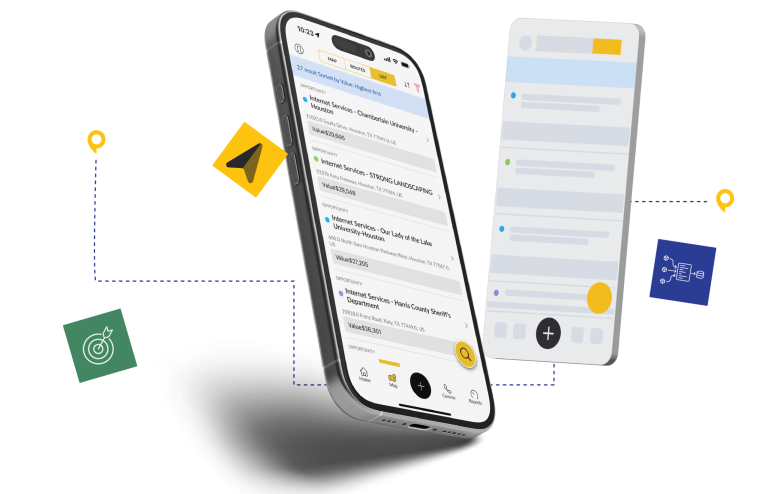
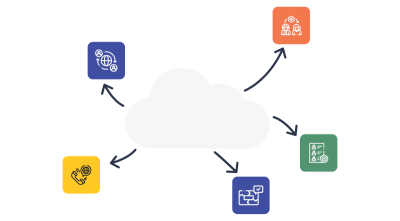
Your CRM, sales territories, and team assignments flow together—fast. Get unified alignment with Salesforce, HubSpot, Microsoft Dynamics, Zapier, and Zoho.





Track Performance. Drive Revenue.
Scale Success.
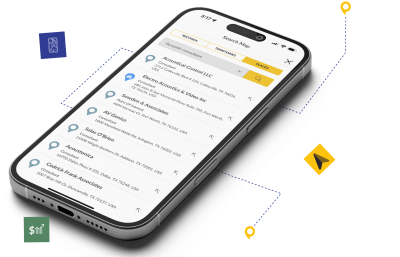
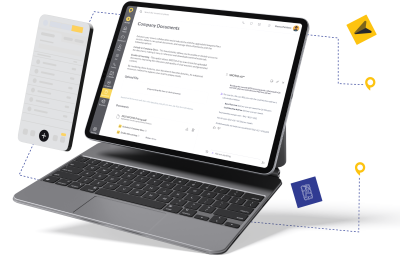
From AI-powered assistance to best-in-class mobile access, every part of the SPOTIO platform is designed to improve sales execution. Combine these powerful features to build an unstoppable outside sales machine.

Customer Success Stories

If you want to know how your salespeople are doing, there’s not a better tool on the market. I truly believe that.
Read Full Testimonial

Field Sales Intelligence Hub
Explore these resources to learn more about building a data-driven, high-performing outside sales team.
Sales Territory Management: A Field Leader’s Playbook

Lobel Financial Achieves 4x Growth with SPOTIO

Territory and Quota Planning for Field Sales Teams

How to Build a Sales Territory Plan (+ Attack Guide)
Frequently Asked Questions
Find answers to common questions about sales territory management with SPOTIO and how it can benefit your team.
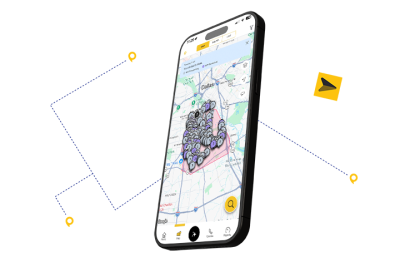
Yes. SPOTIO is a complete territory mapping and management platform. Managers draw boundaries on a live map using ZIP codes, counties, cities, or freehand shapes, then layer in prospect and customer data so every territory starts with pipeline built in. The visual map shows territories, prospects, customers, location-verified rep activity, and assignment status in a single view. You can switch between territory view and prospect density view to spot white space and adjust coverage in real time.
Territory planning in SPOTIO starts with visual boundary design and connects directly to execution. Managers build territories based on geographic boundaries, account density, or customer type, then assign reps and monitor coverage from a single dashboard. Because SPOTIO tracks rep activity with GPS verification, you can see whether planned coverage matches actual coverage — and adjust before gaps become missed revenue. Territory plans sync with your CRM in real time, so account ownership stays current across your tech stack.
Sales territory management software helps sales managers define, assign, and optimize the geographic or account-based areas each sales rep is responsible for. For field sales teams specifically, it goes beyond a static map — giving managers live visibility into territory coverage, rep activity, and performance gaps. The best tools integrate with your CRM and route optimization so territory planning connects directly to how reps execute each day.
The most important features include: visual territory design tools (map-based boundary drawing by ZIP, county, or custom shape), territory assignment and ownership management, CRM sync so account ownership updates automatically, performance reporting by territory, and mobile access for field reps. For outside sales teams, mobile-first UX and route optimization within territories are critical — your reps aren’t at a desk.
Territory alignment directly affects whether your reps can hit quota. Misaligned territories create three problems: territory overlap (two reps chasing the same account), territory gaps (high-potential areas no one is working), and unbalanced workloads (top performers carrying too much while others underperform). SPOTIO’s 2026 field sales data found that 83% of elite-performing teams use digital territory tools — versus only 57% of lower-performing teams — because alignment is a structural advantage, not just an administrative exercise.
Territory mapping draws the boundaries. Territory management is everything that comes after: assigning reps, tracking coverage, monitoring performance, resolving overlap, and optimizing assignments as your team and market evolve. SPOTIO does both — live mapping with drag-and-drop boundaries, plus the activity data and reporting that makes ongoing territory management an operational discipline instead of a quarterly guessing game.
SPOTIO offers real-time, bidirectional sync with Salesforce, HubSpot, Microsoft Dynamics, and Zoho, plus Zapier for additional integrations. Territory assignments, account ownership, and rep activity data flow between SPOTIO and your CRM automatically — no manual exports, no duplicate record management, no waiting for nightly syncs.
Yes. SPOTIO’s Download My Day feature lets reps pre-download their territory and route before heading into the field. The app works offline for up to 24 hours — reps can log visits, add notes, and update account records even without a signal. Data syncs automatically when connectivity is restored.
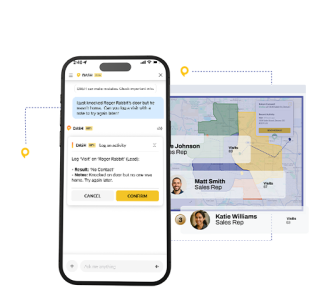
DASH is SPOTIO’s AI co-pilot built specifically for field sales workflows — not a generic chatbot adapted for sales. DASH IQ answers company and product questions from your knowledge base and summarizes recent account activity so reps can prep any visit in under 10 seconds. DASH Actions lets reps create and update records through chat, log activities, and draft personalized emails and texts — all with a confirmation preview before any change is saved. DASH Go enables voice-driven workflows between stops so reps interact with SPOTIO hands-free. Every DASH action requires rep confirmation — no automatic changes are made without human review.