
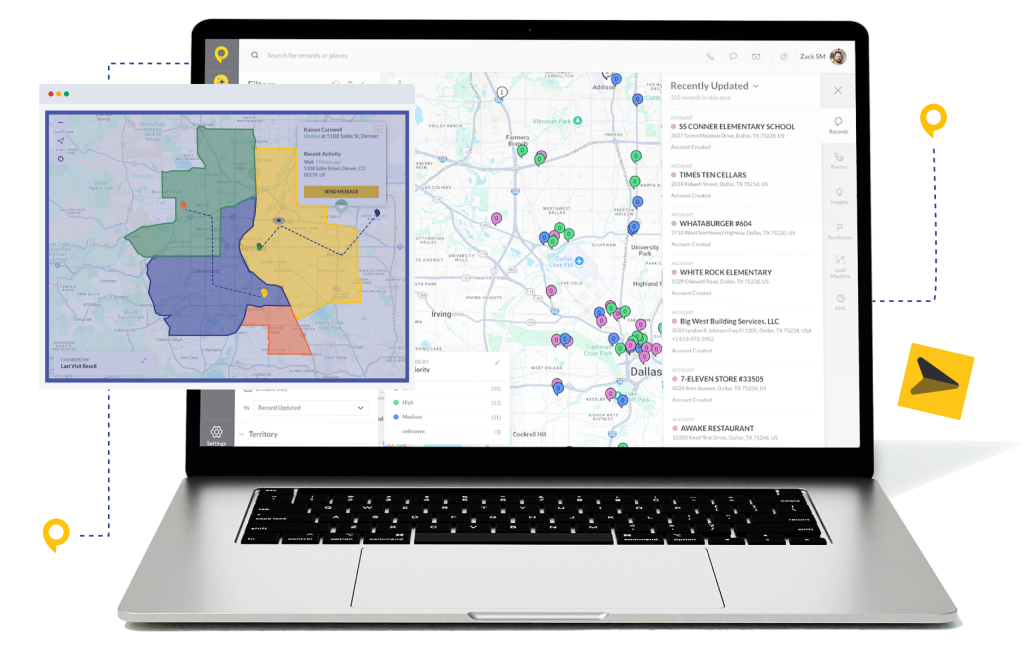
Trusted by Top-Performing Field Sales Teams













Stop Juggling Multiple Apps
In field sales, every minute is valuable. But when territory planning, calendar, and email live in separate apps, time is wasted and mistakes happen.
- Missed Meetings: Reps plan routes in one system while calendar notifications fire in another—leading to no-shows on important calls.
- Double Bookings: Without unified visibility, reps accidentally schedule site visits over personal appointments or internal meetings.
- Lost Context: Emails sent from Outlook accounts never make it into the CRM, leaving managers guessing about prospect conversations.
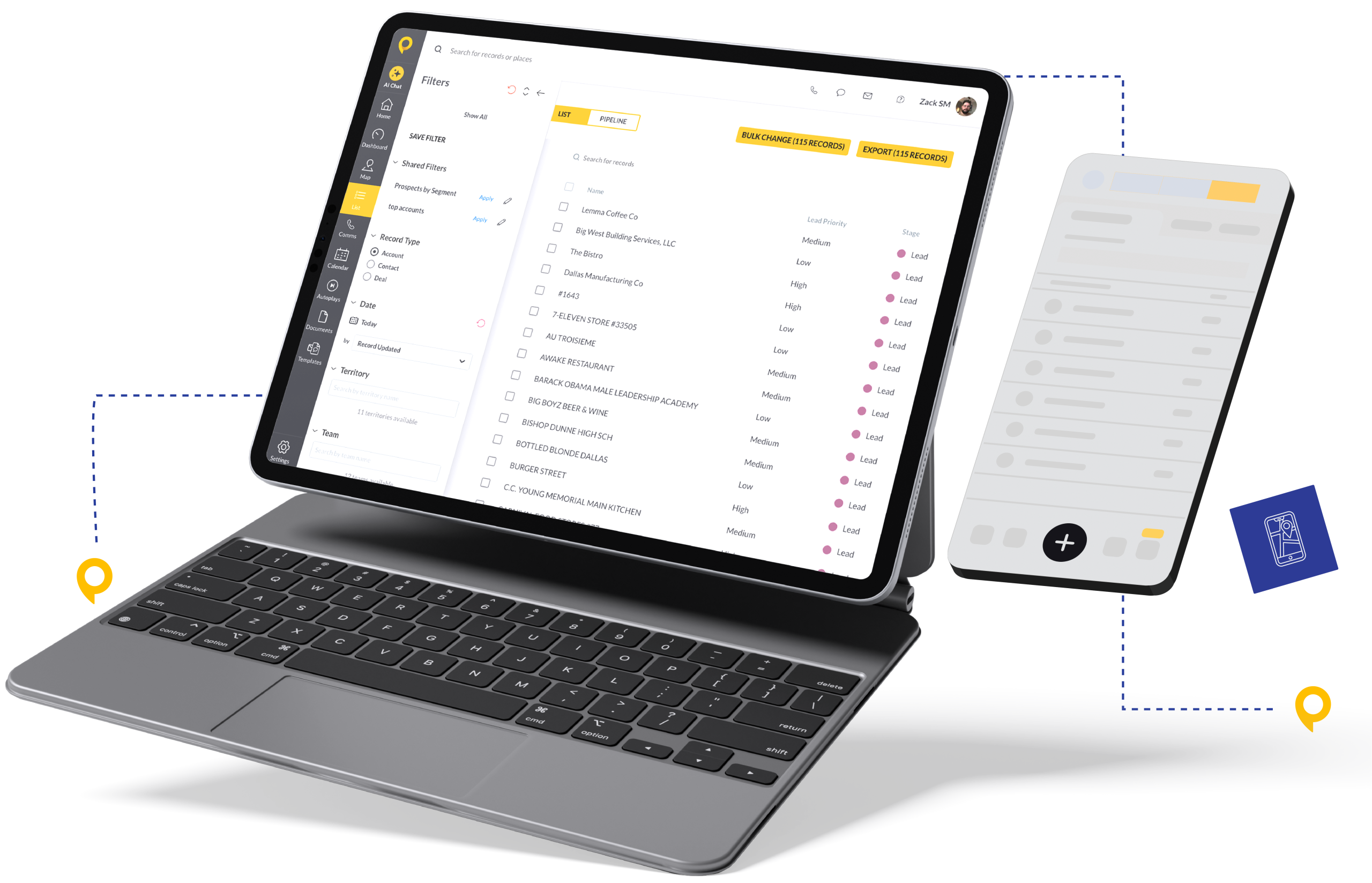
Centralize Your Schedule in SPOTIO
The SPOTIO Calendar & Email integration brings your schedule into your workflow. Plan your day once and let automation handle the rest.
- Two-Way Calendar Sync: Appointments created in SPOTIO automatically appear on your Outlook Calendar. Personal events or internal meetings on Outlook Calendar sync back to SPOTIO, preventing scheduling conflicts.
- Email Logging: Emails sent from Outlook to SPOTIO contacts are logged in the lead’s activity history. Replies appear automatically, creating a complete conversation timeline.
- Plan Around Your Life: See your appointments, personal blockers, and prospect visits in one interface. Account for your 2pm demo and your 3:30pm dentist appointment—without switching apps.
How It Works: Connect in 60 Seconds
This is a user-level integration. Every rep can set this up without IT involvement.
- Open Profile Settings: In the SPOTIO Web or Mobile app, tap your profile icon.
- Select Integrations: Choose “Calendar and Email Integration.”
- Authenticate: Sign in with your Microsoft credentials.
- Grant Permissions: Allow SPOTIO to view and edit events to enable two-way sync.
- Go Live: Look for the green success bar. You’re now synced.
Pro Tip: Check both “Email” and “Calendar” during setup to unlock full two-way sync capability.
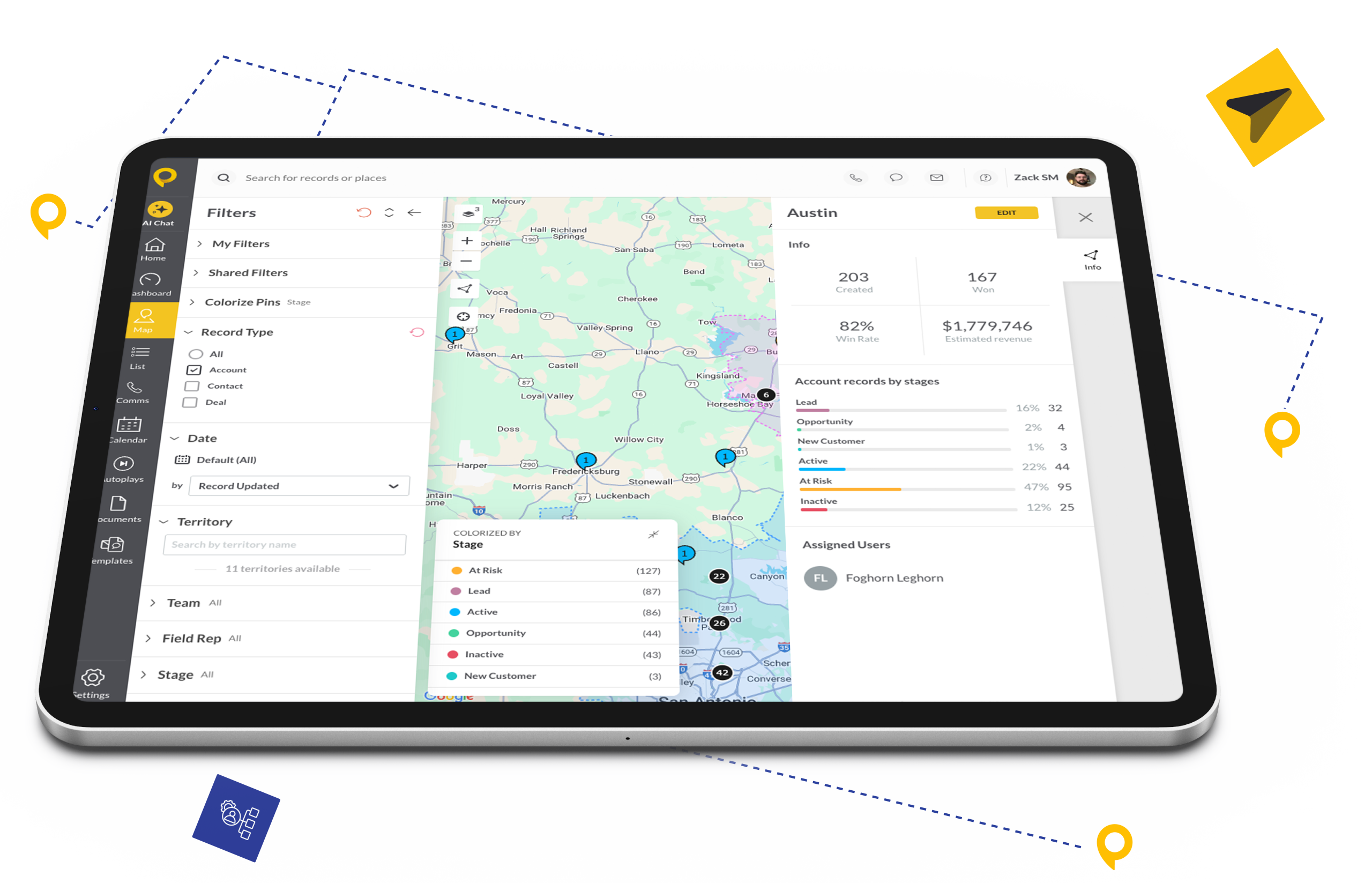
Why Field Sales Teams Choose SPOTIO + Outlook
SPOTIO’s Microsoft Outlook integration keeps reps focused on selling, not scheduling. Automate the busy work and give your team more time in front of prospects.
SPOTIO syncs your calendar, emails, and territory data into one interface, eliminating wasted time switching between systems.
Two-way sync surfaces personal events in your workflow and blocks off SPOTIO appointments on Outlook Calendar. Your schedule stays conflict-free automatically.
Outlook integration automatically logs sent messages, replies, and attachments to lead records. Managers get complete visibility without reps lifting a finger.

What SPOTIO Customers Say

FAQs
Find answers to common questions about the SPOTIO integration with Microsoft Outlook.
No. This is a user-level integration. Each sales rep connects their own Microsoft email account individually within Profile Settings.
Yes. SPOTIO works with Microsoft 365 (formerly Office 365), Exchange Online, Exchange Server, and Outlook.com accounts. Simply authenticate with your Microsoft credentials during setup.
To enable full two-way sync (data flowing from SPOTIO → Calendar AND Calendar → SPOTIO), you must integrate both your Calendar AND your Email during the setup process.
No. Once you authenticate on one device (Mobile or Web), your account is linked universally. Your appointments sync across all platforms immediately.
Yes. You can disable the integration anytime by returning to Profile Settings > Integrations and clicking “Remove Integration” or “Disable.”
Only emails sent after integration setup are automatically logged. Previous emails won’t be retroactively synced to SPOTIO.