
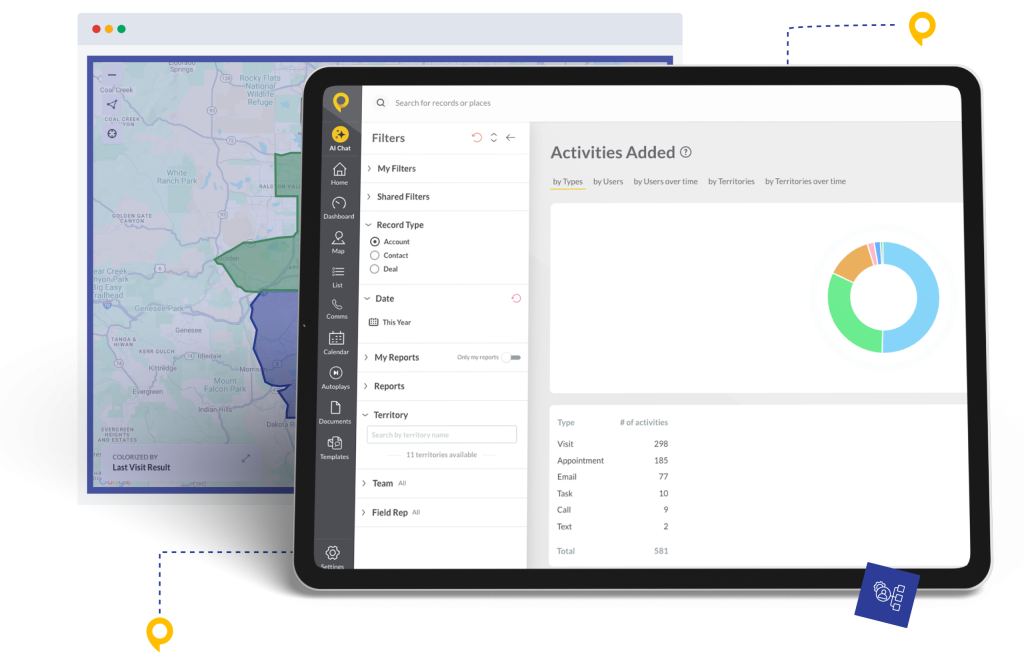
Trusted by Top-Performing Field Sales Teams













Eliminate the Field Sales Blind Spot
HubSpot is built to connect everything—Marketing, Sales, and Service. But for most companies, Field Sales is the missing link.
- Invisible Data: Field reps meet prospects face-to-face, but that goldmine of data never makes it back to HubSpot.
- Stalled Workflows: You have amazing email automation set up in HubSpot, but because field reps aren’t updating statuses, those emails never trigger.
- Manual Friction: Forcing door-to-door reps to use the HubSpot mobile app slows them down, leading to empty CRM records.
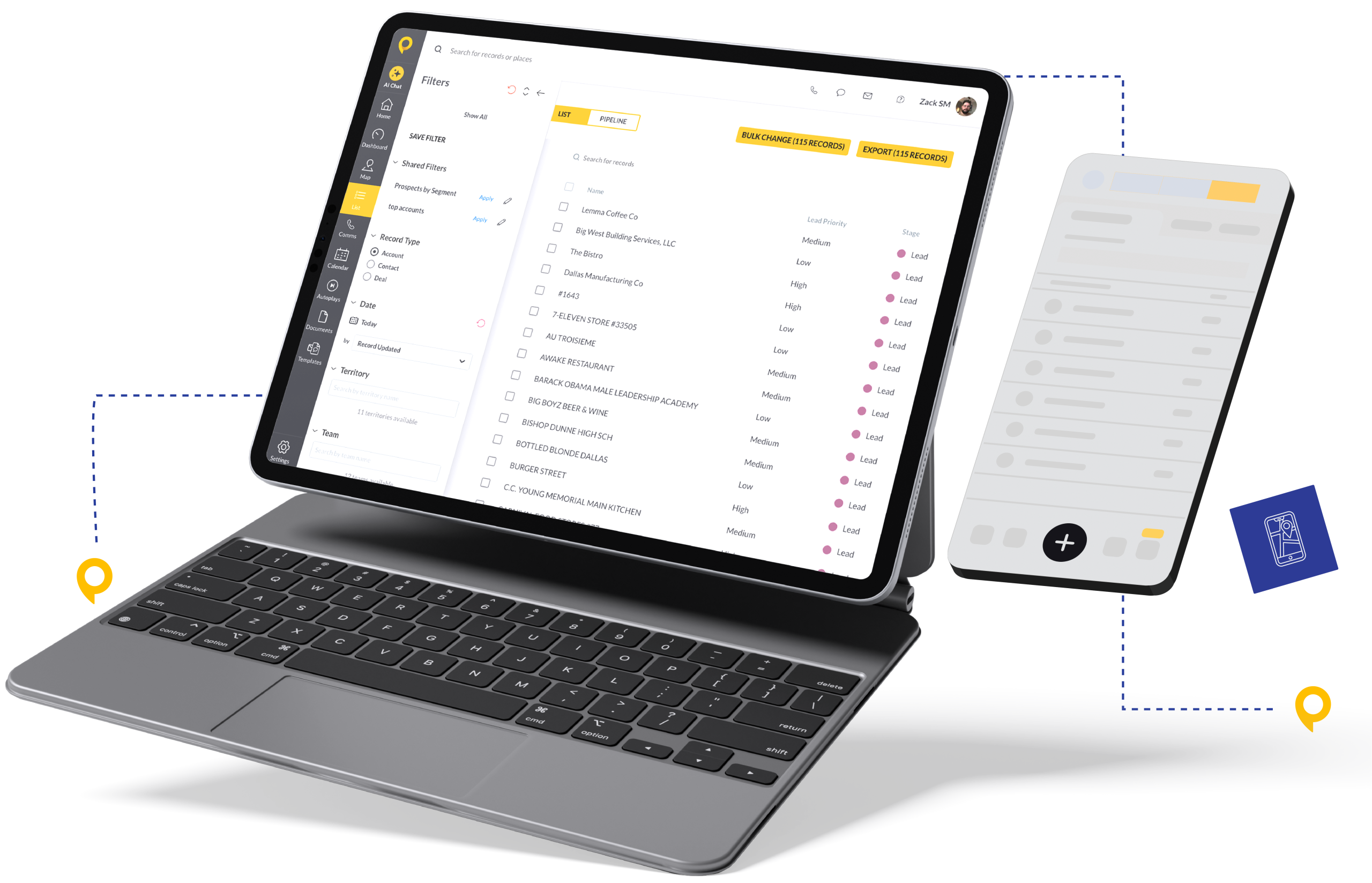
Give Reps a Mobile Tool They’ll Actually Use
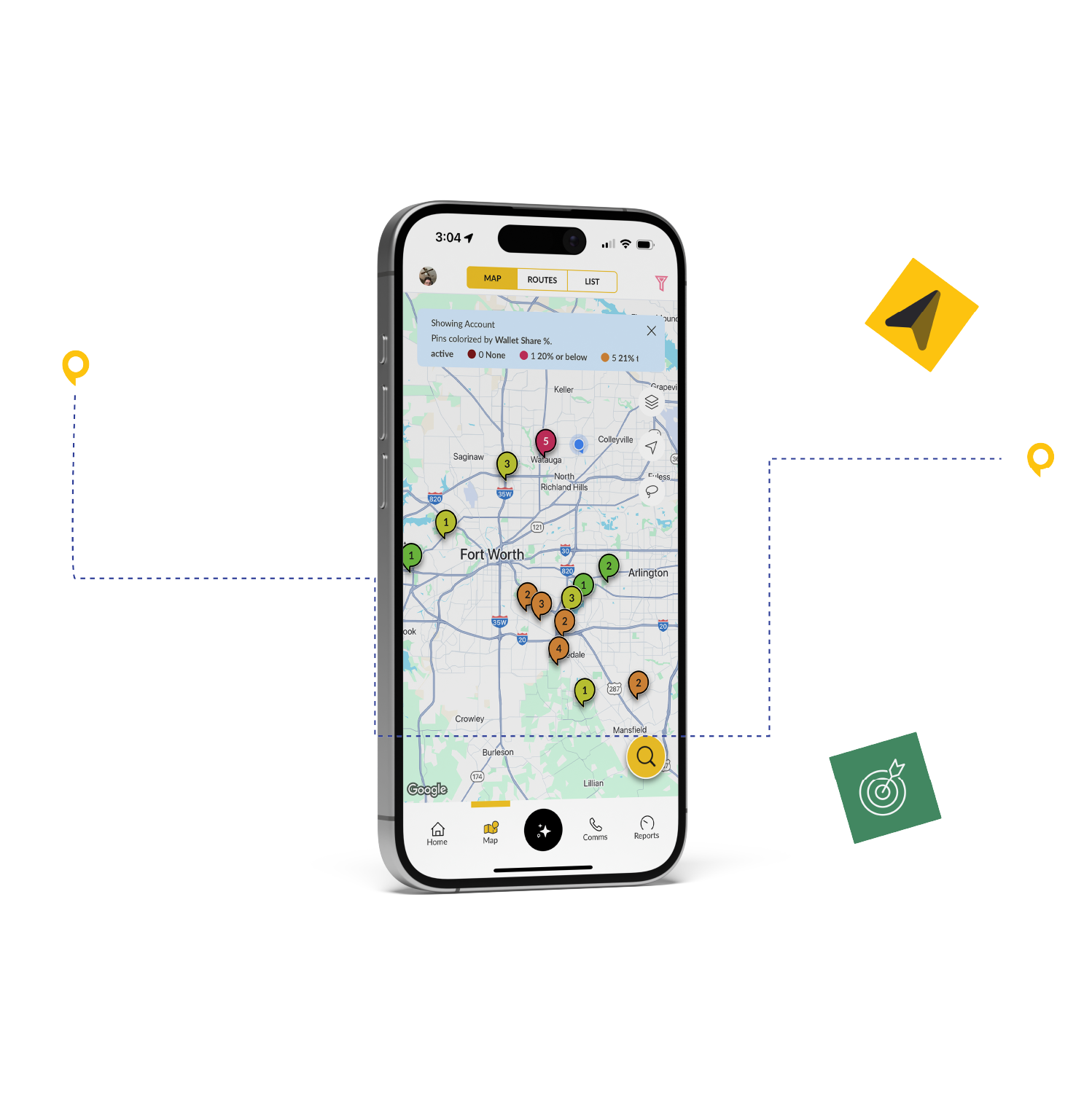
SPOTIO is a mobile-first platform built specifically for field sales. Reps can log calls, update lead statuses, and navigate routes right from their phone or tablet. When you connect SPOTIO to HubSpot via Zapier, every action reps take in the field automatically flows into your CRM. This isn’t just a sync—it’s a revenue engine.
- Total Customization: You decide which fields map, when they sync, and what happens next.
- Multi-Step Zaps: Create a deal, Slack the manager, and enroll the contact in a nurture sequence—all from one rep action in SPOTIO.
- No Code Required: If you can click a mouse, you can build these workflows.
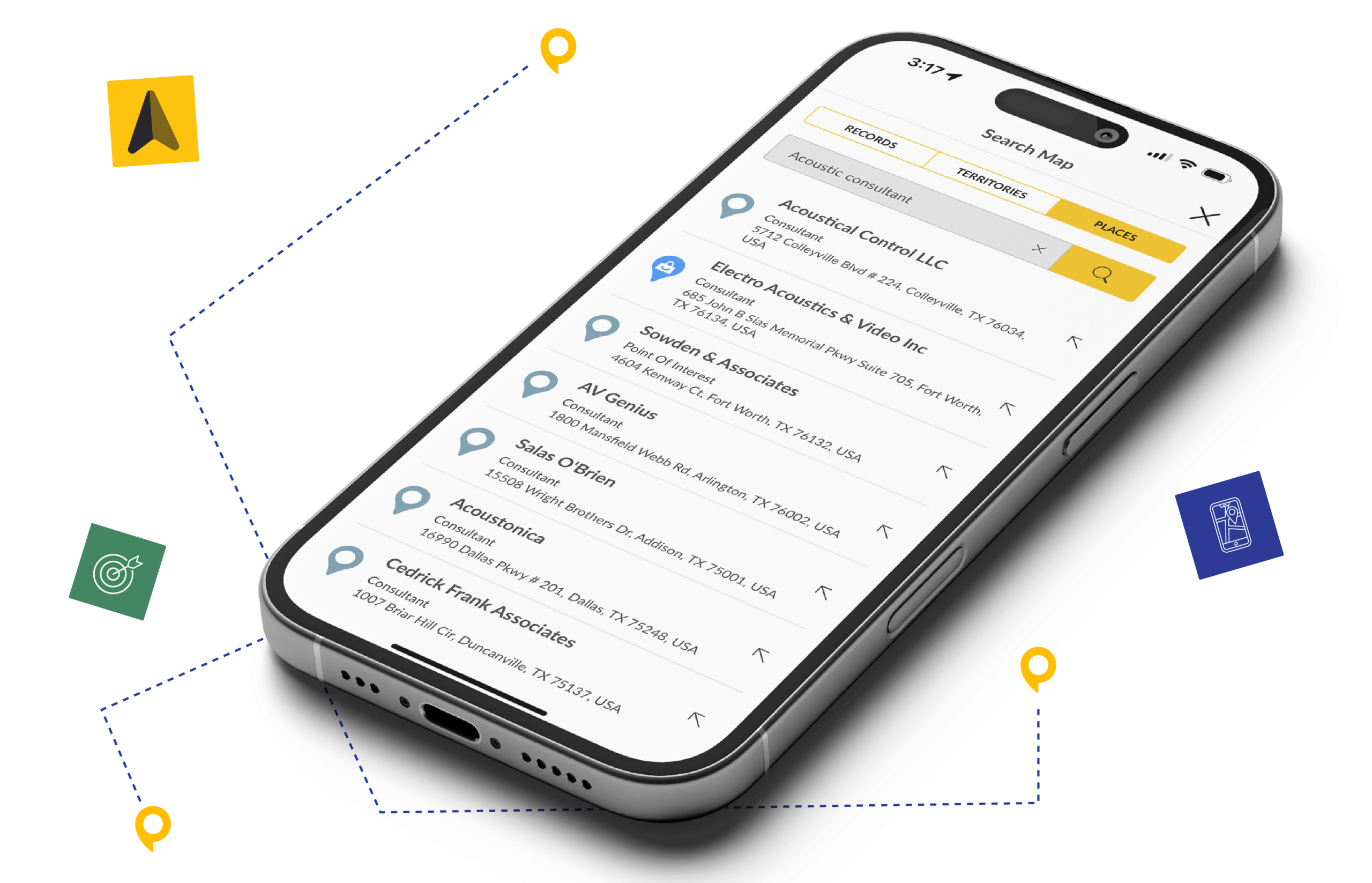
Three Workflows That Drive Immediate ROI
- The “Instant Deal” Builder — When reps mark a lead as “Qualified” in SPOTIO, Zapier creates a Deal in HubSpot, assigns it to that rep, and moves it to “Appointment Scheduled.”
- The “Inbound-to-Field” Handoff — When prospects fill out a website form in HubSpot, Zapier creates a lead in SPOTIO and pins it on the map for the nearest rep to visit immediately.
- The “Nurture” Safety Net — When reps mark a lead as “Not Interested” in SPOTIO, Zapier updates the contact to “Cold” in HubSpot and enrolls them in a long-term drip campaign.
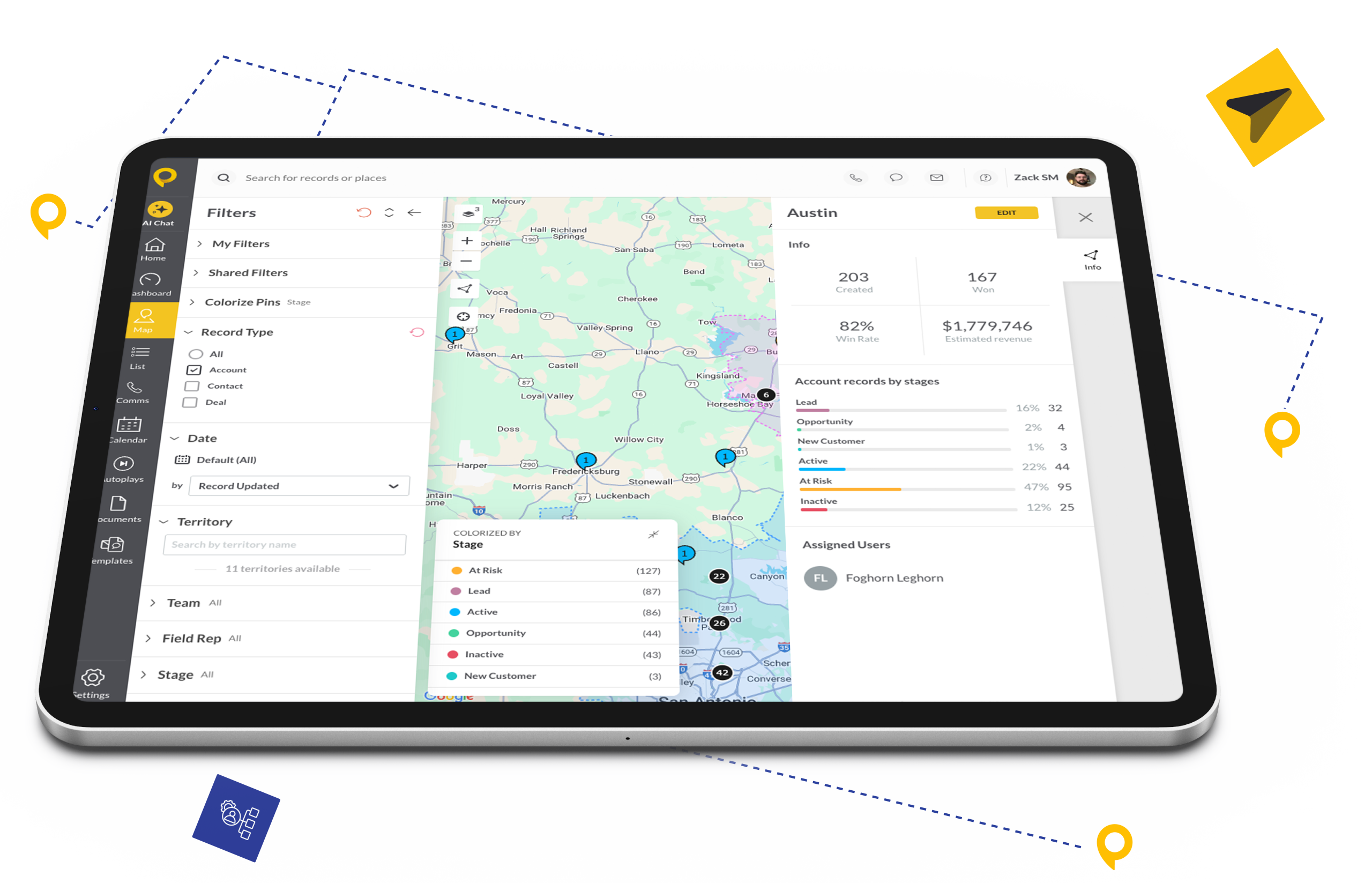
Six Steps to Seamless Data Flow
You don’t need a developer. You just need a plan.
- Prep Your Pipeline: Ensure your SPOTIO Pipeline Stages (e.g., “Qualified,” “Contract Sent”) match your HubSpot Deal Stages.
- Connect Zapier: In SPOTIO Settings, toggle “Zapier Integration” to ON.
- Choose Your Trigger: Select “SPOTIO” in Zapier and choose an event (e.g., New Lead or Stage Changed).
- Choose Your Action: Select “HubSpot” and choose the outcome (e.g., Create/Update Contact).
- Map the Fields: Drag and drop to match SPOTIO’s “Lead Name” to HubSpot’s “Contact Name.”
- Turn it Live: Watch the data flow automatically.
The SPOTIO Advantage
A great field sales platform shouldn’t live in isolation. We built SPOTIO to be a team player that enhances your existing tools and workflows.
Integrate with confidence. With support for enterprise-grade Single Sign-On (SSO) and SOC 2 compliance, our platform is designed to meet the strict requirements of your IT department.
SPOTIO enhances your CRM with best-in-class field sales functionality. We make your system of record more powerful by feeding it accurate, real-time field data it could never capture on its own.
Whether you’re a sales manager who needs a quick Zapier workflow or a developer building a custom solution with our API, our platform provides the right level of power and flexibility for every use case.

What Our Customers Say

If you want to know how your salespeople are doing, there’s not a better tool on the market. I truly believe that.
Read Full Testimonial

FAQs
Find answers to common questions about the SPOTIO integration with HubSpot.
This integration leverages Zapier, the industry standard for connecting apps. This approach offers significant flexibility, allowing you to connect SPOTIO to HubSpot and 5,000+ other apps simultaneously.
Yes. Whether you are on HubSpot Free, Starter, Professional, or Enterprise, you can accept data via Zapier.
Zapier triggers run automatically based on your Zapier plan settings (typically every 5 to 15 minutes or instantly via Webhooks). For most field sales use cases, the data transfer feels immediate.
Yes! If you are on HubSpot Enterprise with Custom Objects, Zapier allows you to map SPOTIO data directly to those custom structures.
Many basic integrations work on Zapier’s free tier. However, for multi-step Zaps (e.g., Create Deal + Send Email) or high-volume syncing, a paid Zapier plan is recommended.